
Learn
Videos and documentation.
Watch a video if you would rather see it done; read the documentation when you are installing or setting something up. The videos are short, with captions and no sound, and they are filmed on Courier’s own pages with an invented school’s data. Courier is a free public beta, for everyday notices and not for emergencies.
Videos
The first is the overview; the others are the getting-started series.
-
Courier in 80 seconds
A quick tour: write a notice, preview it, send it, read the results, then audiences, templates, sender limits and Agent Settings. Captions only, no sound.
Watch on YouTube -
1. Install Courier and create the first administrator
Download the installer, run it on a Windows server, and create the first administrator.
Watch on YouTube -
2. Send your first notice with Courier
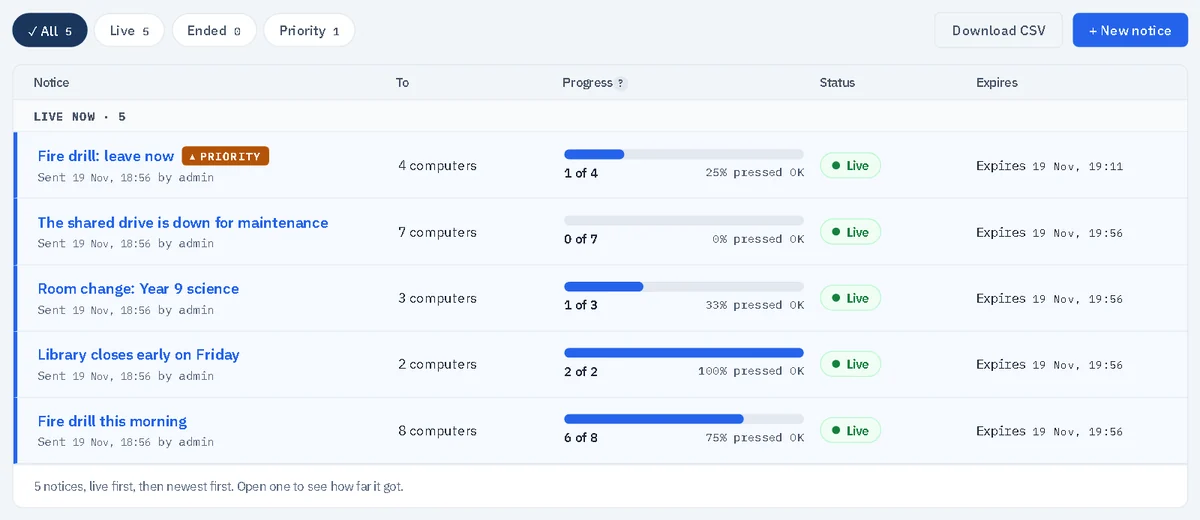
Choose the computers, write the notice, preview it, send it, and read the results.
Watch on YouTube -
3. Courier audiences and Active Directory groups
Save lists of computers, set up the read-only directory account, and find and count Active Directory groups.
Watch on YouTube -
4. Courier templates with blanks
Save wording you reuse, with blanks for a date, a room or a choice.
Watch on YouTube -
5. Courier sending limits and sender limits
The school-wide numbers, and limits for each sender.
Watch on YouTube -
6. Courier Agent Settings: deploy, devices and the Courier module
Deploy the RSJ Agent, see your computers, and turn Courier on for the ones you choose.
Watch on YouTube -
7. Courier Priority notices and the all clear
Send a Priority notice, see how a computer shows it, then cancel it or send an all clear.
Watch on YouTube
Where a video shows a notice on a computer, it is a labelled simulation of the window, drawn to match it.
Guides
- Send a message to every computer in a school — Write it, choose the computers, preview, send, and see which screens showed it.
- Send a message to one room or one year group — Computers, people and Active Directory groups.
- Get an urgent notice seen — Priority notices, cancelling and the all clear.
- A msg.exe and net send replacement for schools — What msg does, where it stops, and what Courier does instead.
- How Courier compares — Beside NetSupport Notify, DeskAlerts and msg.exe, with sources.
Documentation
- Getting Started — Install Courier, enrol your first computer and send a first notice.
- Sending a notice — The form, the preview, expiry, results and history.
- Audiences — Sending to computers or to people.
- Active Directory groups — Finding, counting and addressing groups.
- Templates — Wording you reuse, with blanks.
- Sender limits — School-wide and per-sender limits.
- Agent Settings — Deploying the RSJ Agent, devices and the Courier module.
- Support bundle — The diagnostics .zip for a support request.
- Troubleshooting — Common problems and what to check.
- All the documentation
Reference
- What Courier does and does not do — What it is for, what it is not for, and where it stands today.
- Quick start — Download to a first notice, as plain text.
- Installation guide — Requirements, what the installer does, upgrading and uninstalling.
- Network requirements — The one port Courier uses, and what talks to what.
Feedback
Questions and ideas go in the Discussions; problems go in the Issues. Or write to hello@rsjsoftware.com.